What’s New

Keep up with the latest releases, improvements, and fixes.

Follow @NotionHQ

Upcoming changes coming to our Plus plan

The evolution of the Plus plan

More than five years ago, we introduced the Plus plan to give you a more powerful way to create docs, store knowledge, and collaborate on projects across work and life. Since then, we’ve added many new features, including 90 updates in 2023 alone, to help you and your team get organized and be more productive.

Today, Plus plan customers can do so much more in Notion:

  • Expand how you use Notion with unlimited blocks and file uploads

  • Never lose track of your work with 30-day page history

  • Collaborate with up to 100 free guests

  • Keep everyone on the same page with synced databases

  • Manage projects with automations to knock out repetitive work

  • Organize company knowledge in unlimited teamspaces

  • Launched this week: publish a beautiful website with custom domain and visual tools

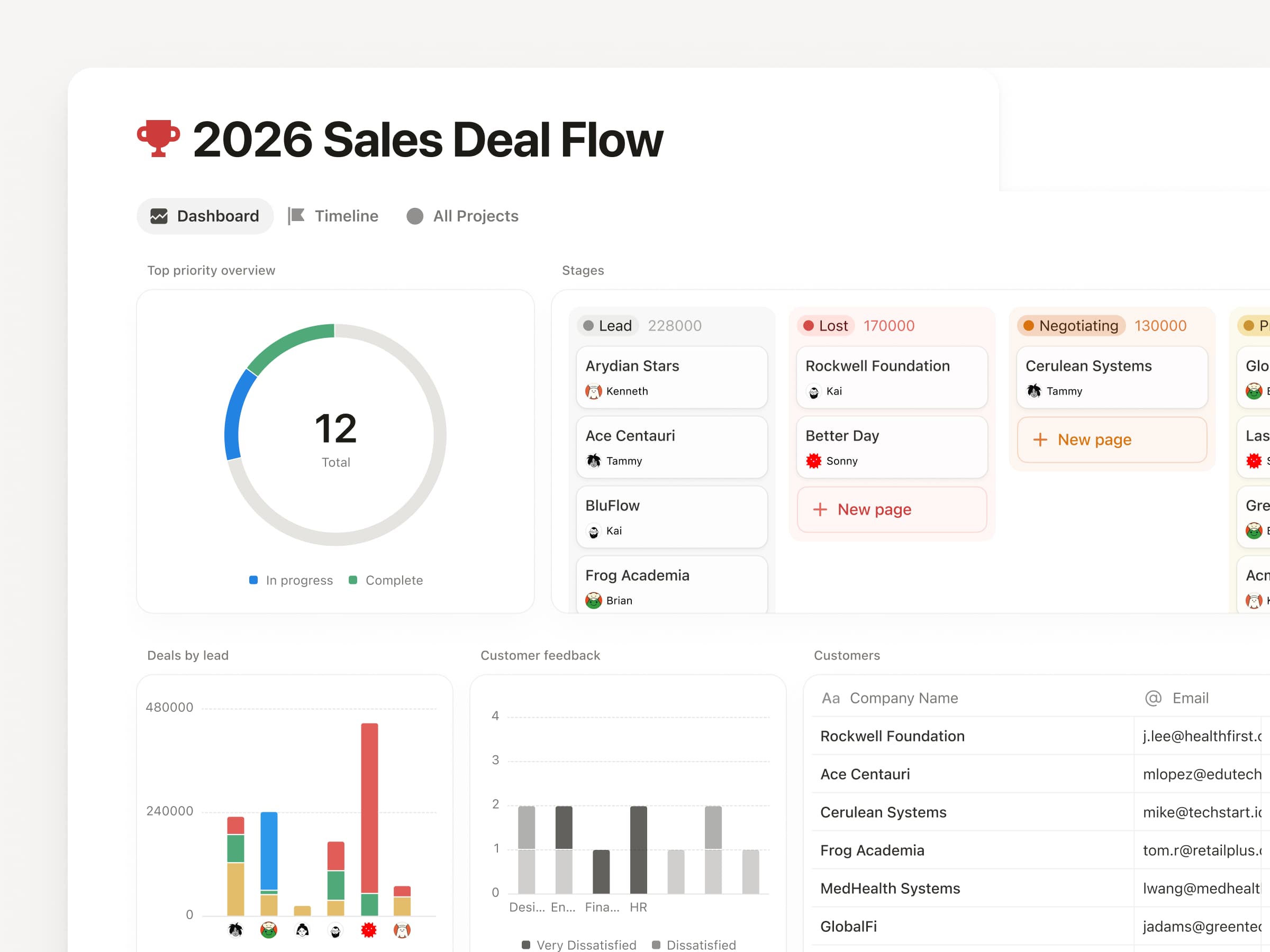
  • And, coming soon: visualize data with unlimited charts and dashboards to track progress and goals

We've been blown away by what our community has built with Notion since. What started with tracking personal to-dos and writing simple docs has turned into managing complex team projects and organizing company-wide knowledge.

An update to our Plus plan pricing

This year, we are updating our Plus plan pricing for the first time to reflect this growing value.

New pricing by currency

Currency

New annual plan price
(per member/month)

New monthly plan price
(per member/month)

USD

$10

$12

EUR

€9.50

€11.50

GBP

£8.50

£10


New Plus plan users

The updated pricing for the Plus plan takes effect immediately for new customers globally starting June 26, 2024. If you’re a nonprofit, a startup, a teacher, or a student, you can continue to enjoy the same discounts for the Plus plan.

Existing Plus plan users
For existing customers, we deeply appreciate your trust and support. We’re providing a three-month window before the updated pricing applies to give you time to adjust to these changes. Within that time, you also have the option to keep the current annual pricing for another year by renewing or switching to annual plan by September 30. Otherwise, the new pricing will go into effect at your next renewal on or after October 1, 2024.

We want to thank you again for your trust in Notion. We believe we have the best community in the software industry, and it’s a privilege to have people like you help us make the product better. We're committed to adding more to the Plus plan over the coming years so Notion can continue to meet your needs and bring you joy in your work and life. You’ll hear from us about new updates coming later this summer!

Have questions? Our Help Center is here for you.

2.42

Notion 2.42: Introducing Notion Sites

Build a Notion Site in minutes

Launching a website should be easy—not a task that requires yet another tool! So we turned Notion’s one-click “Publish“ button into a full suite of features called Notion Sites. I’m already seeing people create company homepages, job boards, and even entire help centers.

site1

www.YOURIDEA.com

Connect your own domain or use a custom notion.site URL (I put my photography on ivanzhaophotos.com 😊).

email-custom-domain-professional

Make it yours

You can now customize your top header, choose a light or dark theme, and add the perfect favicon.

theme v1

Build your audience with SEO and Google Analytics

Just because you built it doesn’t mean they’ll come. Add custom metadata to make your site easier to find on search engines. Then, integrate with Google Analytics to track all of your new visitors.

email-seo-professional

Coming soon Charts! (We know you’ve been waiting)

We love charts. They turn data into a story. Soon you’ll be able to create bar charts, line charts, and donut charts to visualize progress. Use them for anything you track in Notion: projects, OKRs, sales pipeline, and more. Charts will launch in the coming weeks. They’ll be free to try, with unlimited charts available on the Plus, Business, and Enterprise plans.

email-charts

Quality of life improvements

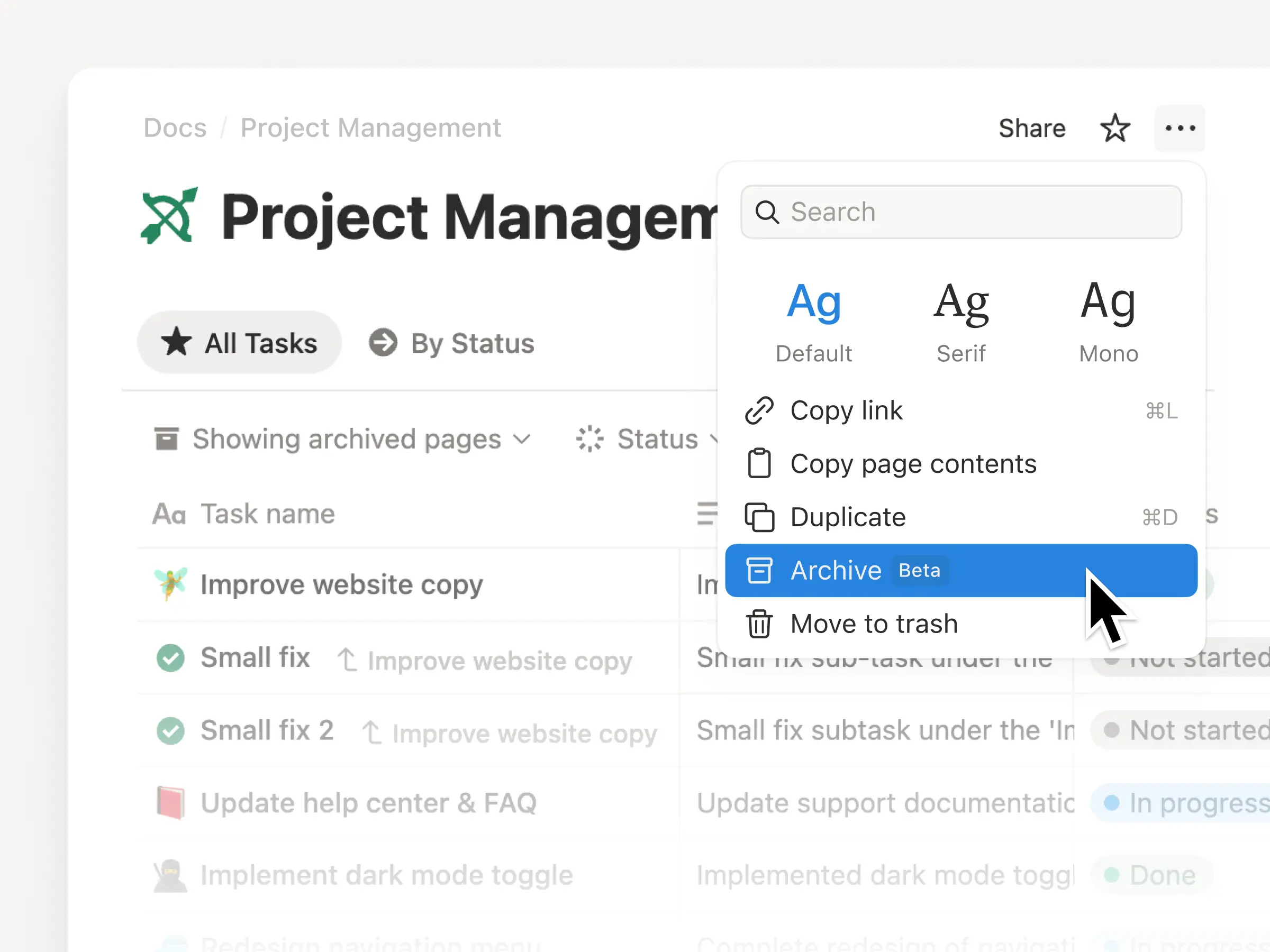
  • Easier commenting: You can now right-click on a database entry and add a comment without having to actually open it to a full-page view.

  • Better “find”: Cmd+f can now find hidden content in collapsed toggles or within databases. It also does elegant things like closes automatically when you start to edit or navigate to a new page.

2.41

Notion 2.41: Notion AI now with Slack, GPT-4, and more!

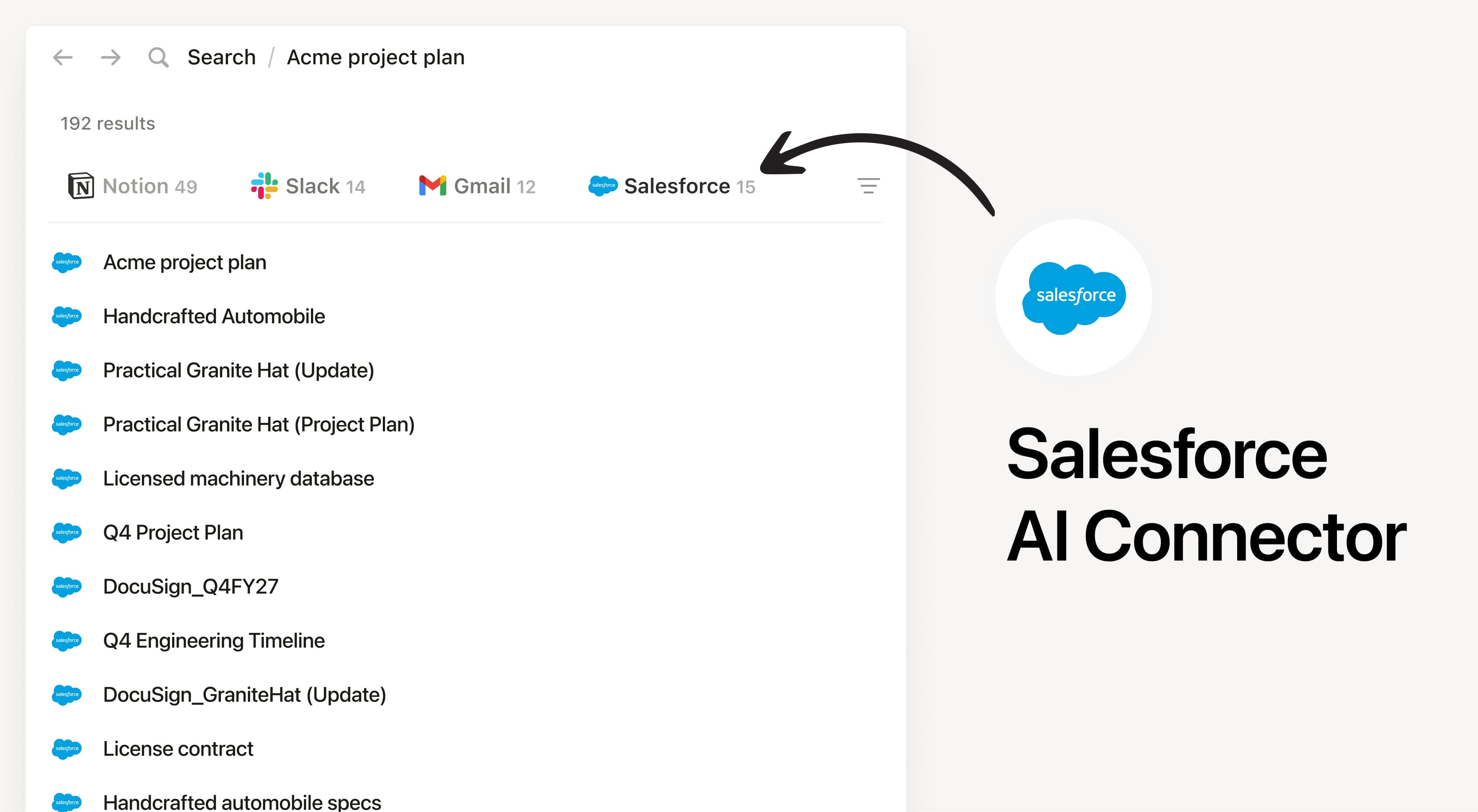
Instant answers from Slack, Google Drive, Salesforce, Jira, and more

Why search other apps or bug colleagues when Notion AI can search everything for you? Get all the information you need, fast, without leaving the place where your team plans, tracks, and creates.

ai1

Unlock your company’s memory

There’s so much tribal knowledge locked away in docs and messages. Tap into it all. Your teams will become smarter and make better decisions.

Company memory

Tell AI where to look

Over the next few days, we’re rolling out the ability to @mention people, dates, pages, or teamspaces when you search. It helps AI look for relevant information so you get better answers. This was a top request since launching Q&A!

at-mention

Now with GPT-4

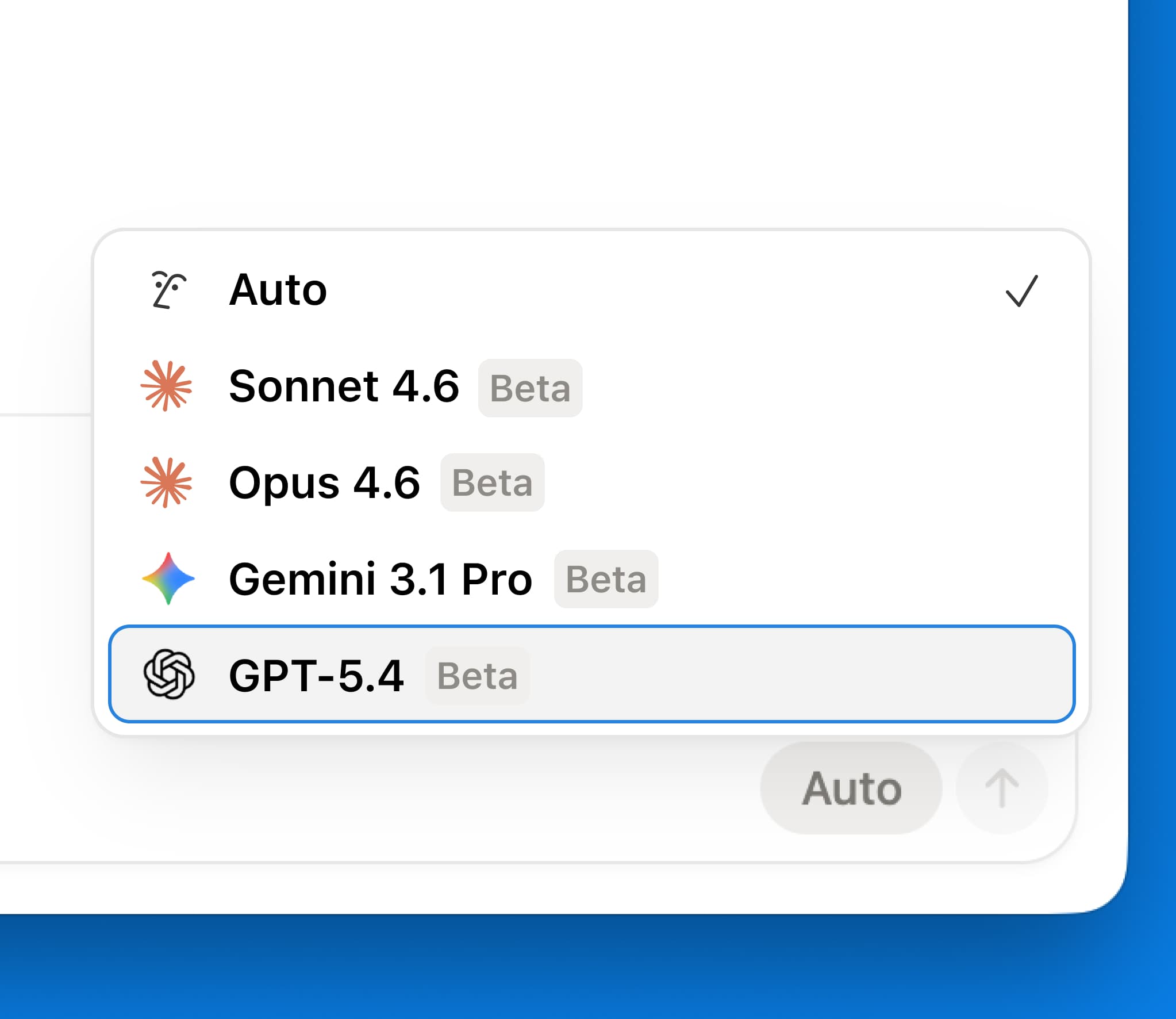
Notion AI is powered in part by GPT-4, so we decided to give you direct access. Chat privately and securely with Notion AI, whether about historical events or new ideas, and get answers powered by GPT-4’s general knowledge of the world. And Notion AI always cites its sources, so you know if an answer comes from your team’s expertise or from the web.

GPT4

Plus a few more of your top requests...

  • Quickly access chat history to reuse and edit past AI prompts for faster work

  • Use Find in to narrow your search to a specific app or teamspace so you get the most relevant responses

  • Ask Notion AI to quickly summarize the page you’re on or identify key information to stay up-to-date

  • Click on citations to locate and easily review the specific block being cited

2.40

Notion 2.40: Home with calendar, navigate content, and organize your sidebar

An organized Home

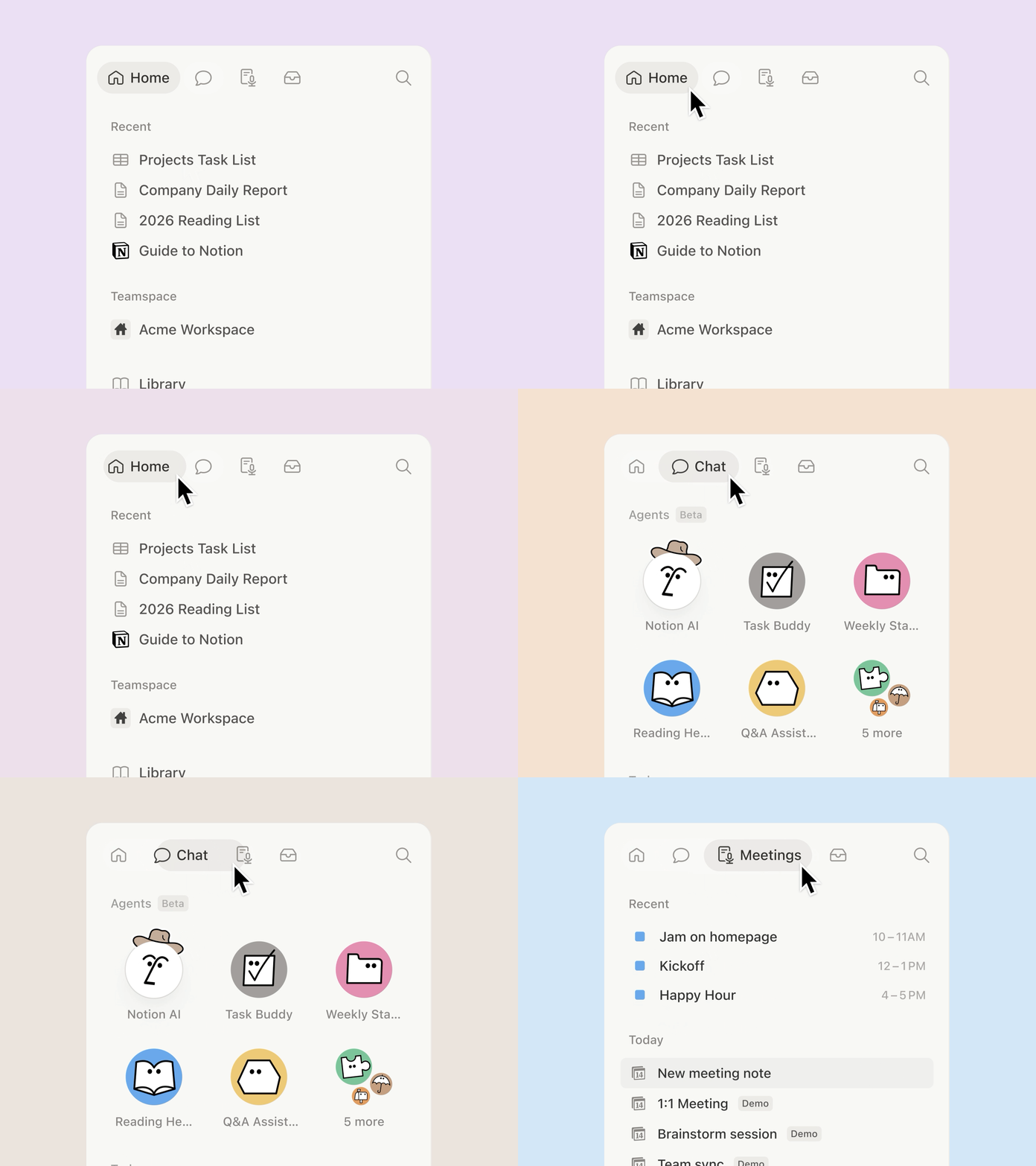
It’s basically your personal landing page. You can jump into a recent doc, see your calendar and tasks, or add a database of upcoming projects. It's just a start and we'll continue to make it better based on what we hear from you.

Home for all

See your day at a glance

On desktop, your events from Notion Calendar are now in Home, along with related docs and a link to join your next meeting. No more breaking out of flow to figure out what your next meeting is about.

See your day at a glance

A tidier sidebar

We promised we’d keep improving the most-used parts of Notion. The Private and Shared sidebar sections now have a dedicated panel where you can organize, sort, and search for pages. The panel also limits the number of pages so you don't have to scroll endlessly.

A tidier sidebar

A new “floating” table of contents

We’ve been working on making it easier to navigate long content. If your Notion page has headings you can now hover over the right side of the screen and find the section you want to jump to.

A new “floating” table of contents

A nicer preview for URLs

No one likes long URLs (especially when the URL has like 10 numbers in it). Now you can turn links into a short preview with a favicon, the author, and the title of the page. Just paste and choose Paste as mention.

A nicer preview for URLs

Focus time and OOOs

This was a popular request for Notion Calendar, so we built it! You can now add focus time or out-of-office events to your calendar.

Focus time and OOOs

More quality of life improvements

  • Use the desktop app to pin pages that you use frequently (like a to-do list) to the top left of the app. Just right click on an open tab and select the Pin tab option.

  • Database views that are grouped by the select, status, multi-select, person, or relation properties load faster.

  • Anyone viewing a locked database can now use advanced filters to find what they're looking for.

2.39

Notion 2.39: Improving the basics

Simplified sidebar

Sidebar is the most used surface area in Notion. We’ve cleaned it up and added a “new page” button that’s easier to reach. Small refinements matter :-)

Simple sidebar

A lighter new page experience

To accompany the sidebar change, we also improved the look and feel of an empty page so it feels lighter to capture your new idea.

Lighter new page

Customize sidebar sections

You can now reorder your sidebar sections (e.g. Favorites, Private, Teamspaces) to match your navigational habits. Hopefully this saves you a few minutes each day.

Customize sidebar

Import PDFs and Google Docs (finally)

We heard your requests for better importing and have built new importers for PDFs and Google Docs. It’s not easy to nail PDF importing, so please send us feedback via in-app support. It’ll help our engineers improve the quality for everyone. Appreciate it!

New pdf importer

Quicker access to AI on your phone

We launched AI Q&A in beta a couple months ago and many of you loved it: ”I can ask Notion any question about all my content!”. So we made it easy to access AI Q&A on the go. It’s rolling out gradually, so thanks in advance for your patience.

AI on phone

Automate notifications for projects

Better notifications for project workflows is a common request we get. Now, an automation can send a Notion notification that keeps your teammates looped in when a project is done, a new task is added, or something else changes.

Automate notification in Notion

Crop images in Notion

A popular request — so we built it. Now you can do simple image cropping right within Notion.

Penguins being cropped

More improvements & fixes

  • We also refined the database creation flow and UI. For example, the Filter and Sort options are also now icons instead of text, to reduce clutter.

  • We also improved comment threads by simplifying the UI and adding the ability to filter comments by person or status.

  • You can now see GitHub PR activity in page comments, link GitHub PRs to tasks using magic keywords, and use a new Slack shortcut to create a task in Notion. Try it →

  • Users with Can view access can now request Can edit access from the share menu.

  • Three new formula functions (Mean, Median, and Today)!

  • Pressing enter in a Code block keeps the same indent on the next line.

  • The desktop app now lets you drag tabs to reorder them and automatically reopens your last session's pages. Download the latest version here →

  • Last but not least, our engineers have fixed various issues causing unexpected logouts. Active accounts now stay logged in.

2.38

Notion 2.38: Home

A Home for all your work

Find recent pages, tasks, and trending content from across your workspace.

My tasks, in one place

In Home, easily manage all tasks assigned to you in the new My tasks view. Learn more →

Automate with database buttons

In addition to Home, you can now create a button to assign, approve, upvote, or automate any other action. Learn more →

Take actions from mobile notifications

Reply, archive, or mark notifications as read — all without opening the app. Haven’t tried Notion on mobile yet? Download here.

Shorten messy URLs

Long URLs that took over pages now get shortened automatically.

Hide weekends in calendar view

Keep your weekends free. Toggle off Show weekends in the layout of a calendar database.

More improvements, big and small

  • New Monday importer to easily migrate your projects into Notion.

  • New option to hide page icons by toggling off Show page icon in a database’s menu.

  • Rows in a database are logically sorted for you using the name of the row.

  • You can now change the color of a button.

  • Easily move pages to other locations on mobile using a better Move to menu.

2.37

Notion 2.37: Notion Calendar

Manage time and tasks together

Sync Notion databases to view and update your deadlines and timelines alongside your calendar events.

Connect and create Notion docs

No more meetings without context or a place to take notes.

Work and personal events in one place

Connect multiple Google accounts to manage all your events in one place and avoid conflicts.

A built-in scheduling tool

No need for a separate scheduling tool. Share your availability and allow others to book time.

Other great Notion Calendar features:

  1. Apps for desktop, web, and mobile.

  2. Download the desktop app to see your schedule, join meetings, and open attachments all from your computer’s menu bar.

  3. View your schedule across multiple time zones.

  4. Use command menu and shortcuts to work faster.

  5. Integrate with Zoom, Google Meet, and other providers.

Notion 2.36: speed improvements, better search, and upgrades to web publishing

Pages load 15-20% faster

No awkward pause to get the information you need.

Search results surface popular and verified pages, pages have previews, & accuracy improved.

Upgrades to web publishing

Manage all your published pages from a new Sites tab in settings. SEO indexing is also now available on all plans.

Properties, now with descriptions

Add descriptions to views & properties to give teammates extra context.

Duplicate a database without content

When you duplicate a database, we remove the content for you but keep the structure.

Little fixes = big improvements

  • ✨ See a live preview of a Zendesk ticket in your Notion page or database by pasting its link

  • ✨ New option to include page comments in an export

2.35

Notion 2.35: Introducing Q&A by Notion AI (now in beta)

Answer every “How to” question

For your everyday questions, Q&A has the answers.

Stay in the loop on projects

Great for quick updates on the latest tasks, timelines, and priorities.

Perfect for every new hire

Q&A is like an onboarding buddy with all the information you need to get started.

Talk to your notes

What were learnings from last week’s BIO 201 notes?

A new shortcut to search & ask from anywhere

Download the desktop app, Cmd or Ctrl + Shift + K, and get answers

2.34

Notion 2.34: new enterprise features and languages

Hover preview of a Notion page

You ever want to 👀 peek at a Notion page? Now you can hover to preview page content.

Notion is now available in 5 additional languages

You can use Notion in Danish, Dutch, Finnish, Norwegian, and Swedish. Set your preferred language in Settings & membersLanguage & region.

More visibility & controls to manage users

New dashboard and controls help you manage users with your domain.

New SIEM & DLP integrations

These integrated tools centralize audit logs & detect sensitive content in your workspace.